Run your favorite agent CLI
Control Claude Code, Codex, or Cursor Agent CLI from your phone.
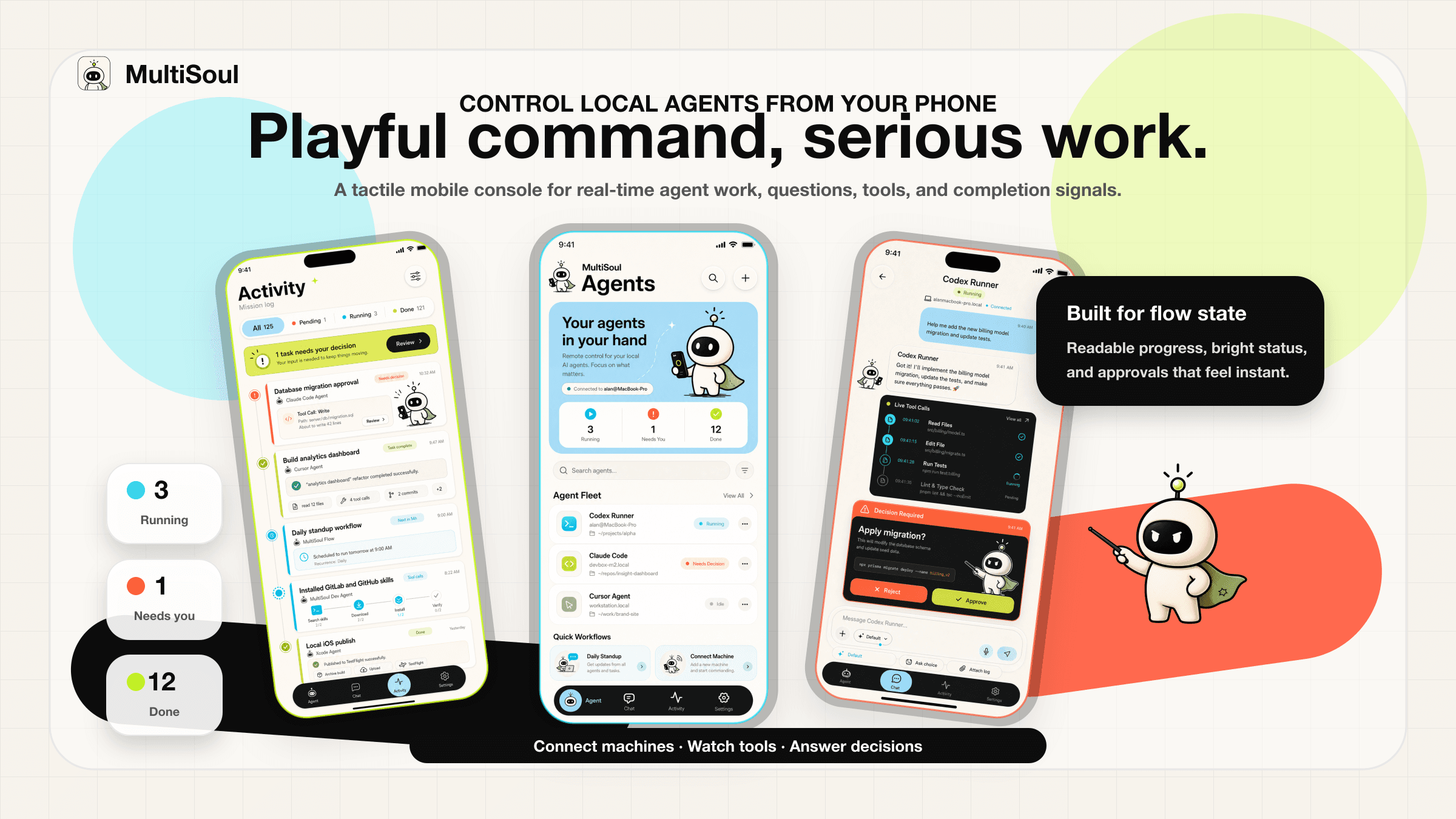
A mobile console for local AI agents. Watch messages and tool calls in real time, answer approval questions, and receive task completion notifications.
Available on the App Store. Install MultiSoul on iPhone, connect msctl, and keep your local agents within reach.
One system. Many souls.
MultiSoul lets you control AI agents running on your own computer from your phone.
There is no central MultiSoul backend. msctl runs locally, stores data locally, and connects your phone through the default public relay tunnel.
What you can do
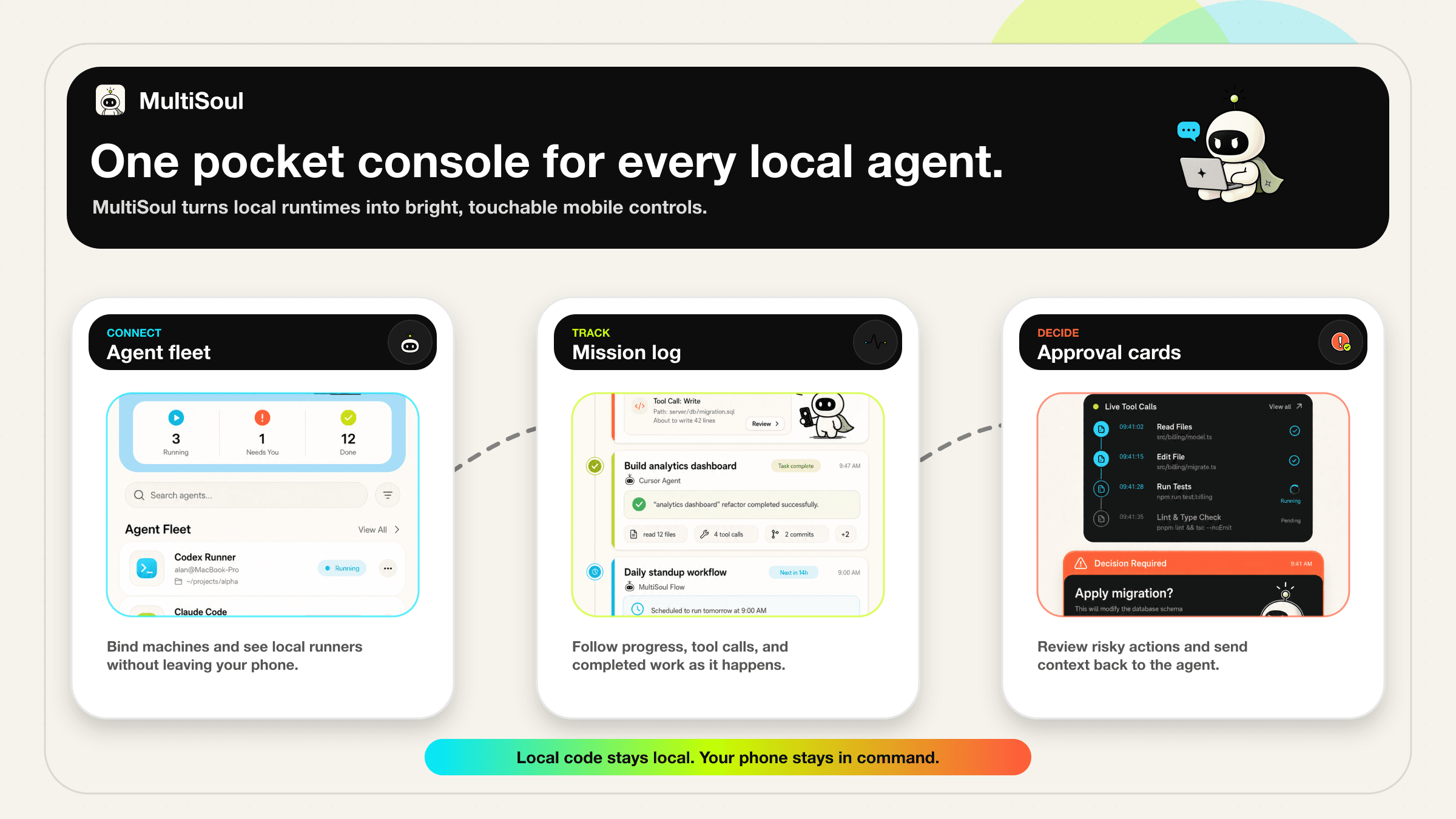
Control Claude Code, Codex, or Cursor Agent CLI from your phone.

Watch messages, tool calls, and task status in real time, with tool results close behind.

Answer AskUserQuestion prompts and review risky actions without leaving your phone.

Connect one phone to multiple computers and keep every runner close.
Quick Start
Install the CLI on the computer that runs your agents.
npm install -g @yakami129/msctl
Run quickstart, open the relay tunnel, then Scan QR or Paste connection string in the app.
msctl daemon quickstart
From the project you want to control, register the runtime you already use.
msctl agent codex
msctl agent claude-code
msctl agent cursor-cli
Available on the App Store. Install MultiSoul, then scan the QR code or paste the connection string from msctl.
https://apps.apple.com/sg/app/multisoul/id6763881771